
Guide for AI-Powered Image Generation
Follow this simple step-by-step guide to start creating, selling, and earning with your AI-generated images on our platform.
Step 1: Create an Account & Fund Your Wallet
Start by registering your account on our platform. After signing up, add funds to your wallet using any available payment method. Credits are used for image generation — each request costs 5 credits. Once your wallet is funded, you're ready to begin.
Step 2: Write a Prompt or Choose From Ideas
Describe the image you want the AI to generate. Use clear, detailed prompts to get the best results — include style, subject, mood, lighting, and any important details. Prefer inspiration? Simply choose from our ready-made prompts. Please note: content with violence, erotic themes, or discrimination is strictly prohibited.
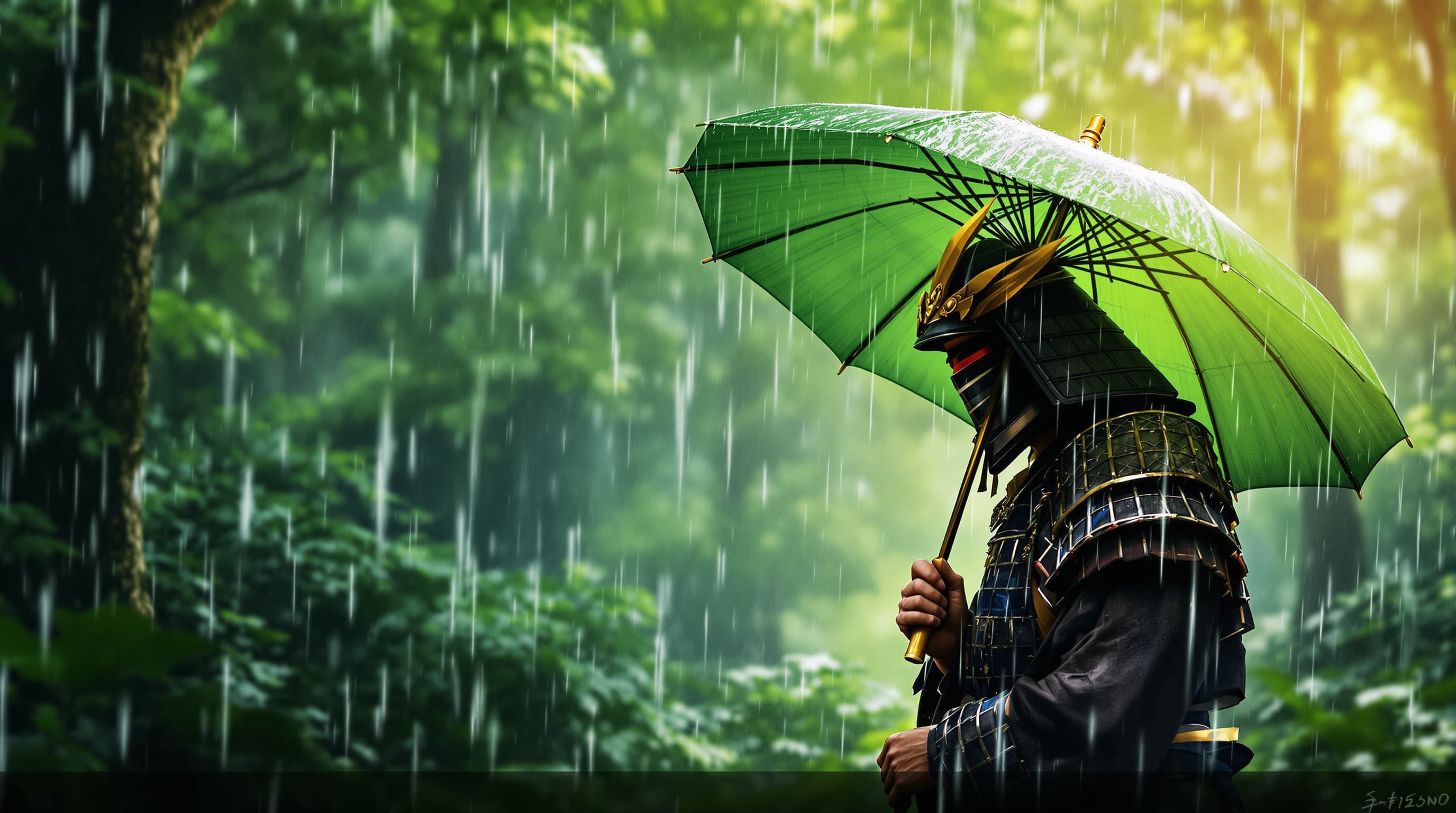
Step 3: Select Image Size & Settings
Choose the image size that fits your needs. Larger formats produce more detail but may take slightly longer to generate. Customize additional options when available, then confirm your request.
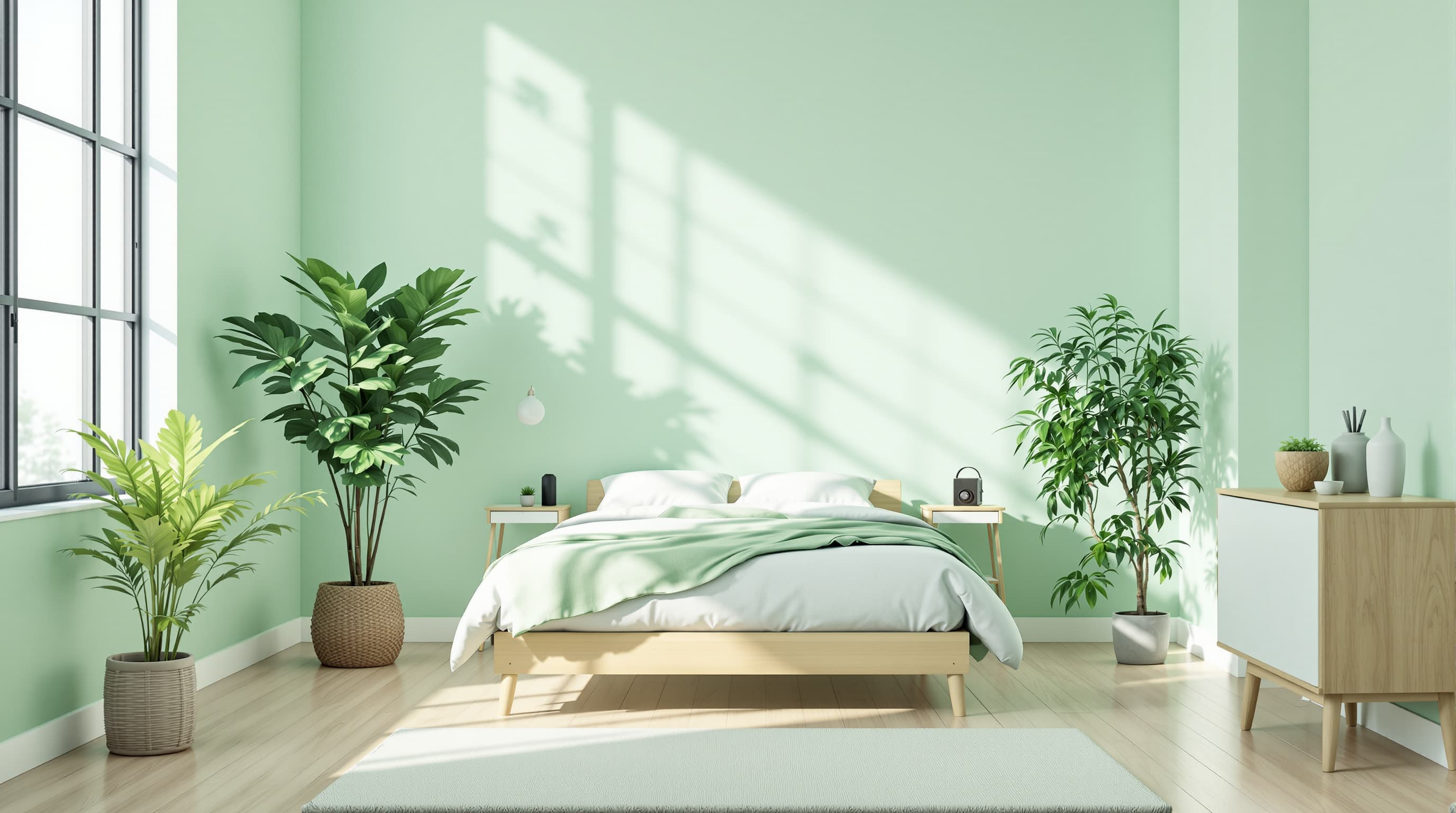
Step 4: Generate and Review Your Image
Once your prompt is submitted, our AI will start generating your image. This process only takes a few moments. When ready, you can view the result in your personal library, download it, or regenerate if you want to try again.
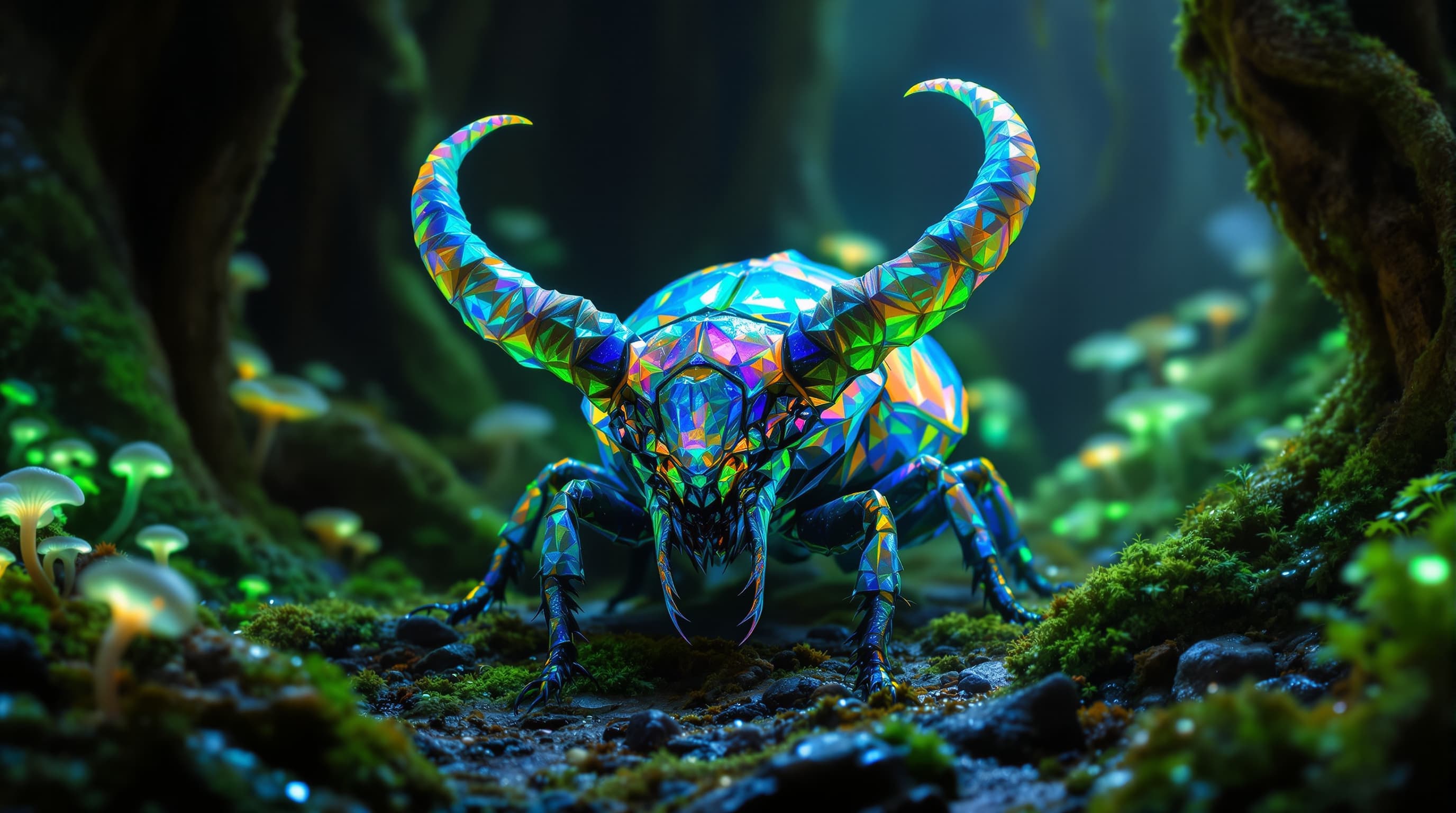
Step 5: Publish Your Images to the Store
Turn your creations into income by adding them to the public Store. Other users can browse and purchase your images for credits. Every sale earns you credits directly to your balance.
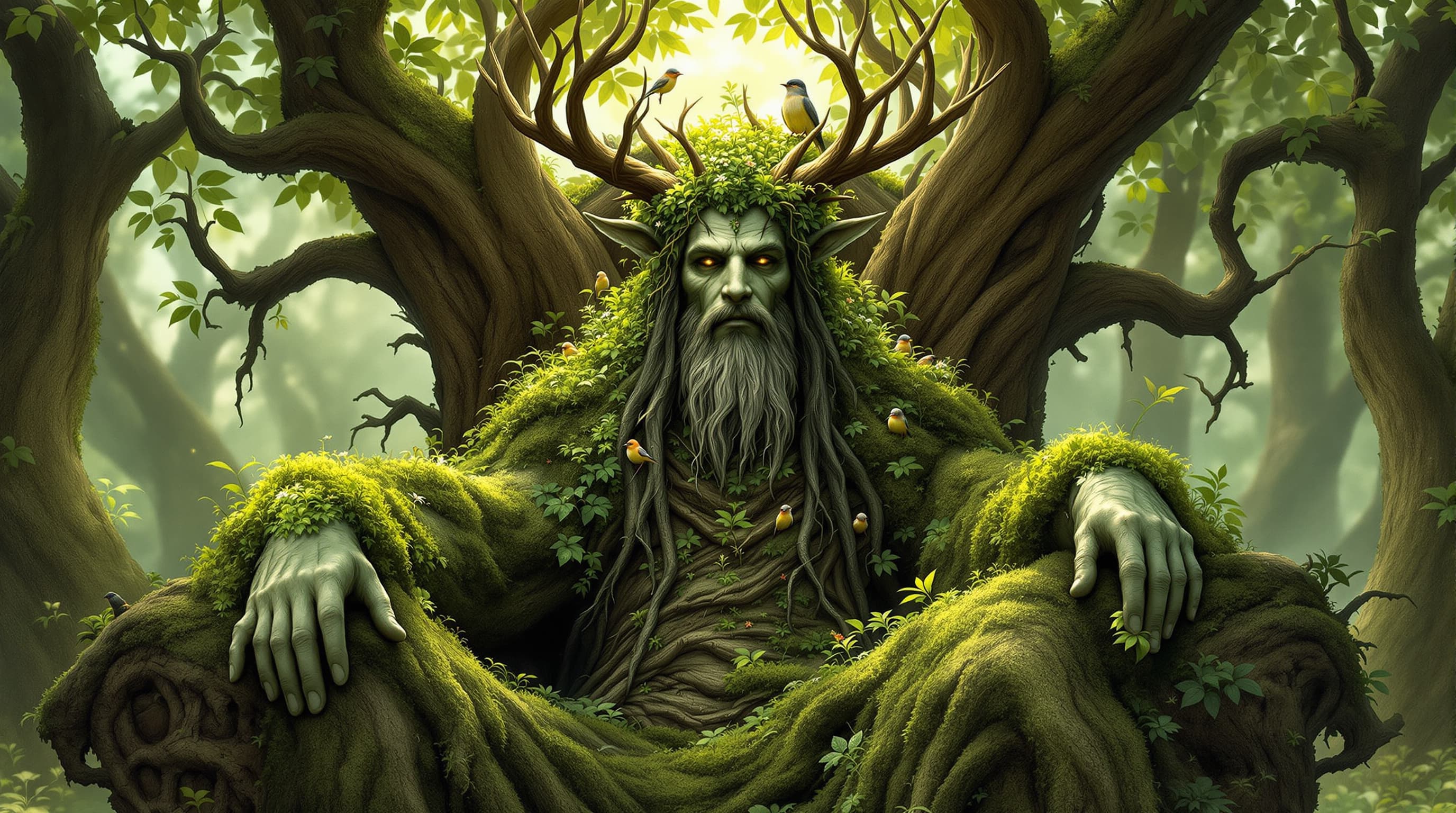
Step 6: Earn Credits & Withdraw
Your balance grows as users buy your images. Once you reach the minimum withdrawal amount, you can request a payout. Withdraw your earnings easily and securely using our supported methods.
VISIONMINT LTD
company number: 16876520
company address: Battersea Road 91, London, England SW8 4DU